Meta creative intelligence · Read-only
Meta creative analytics without manual data collection
The service shows creative, placement, device, Page, and ad account performance in read-only mode. You see what actually works without access to edit ads.
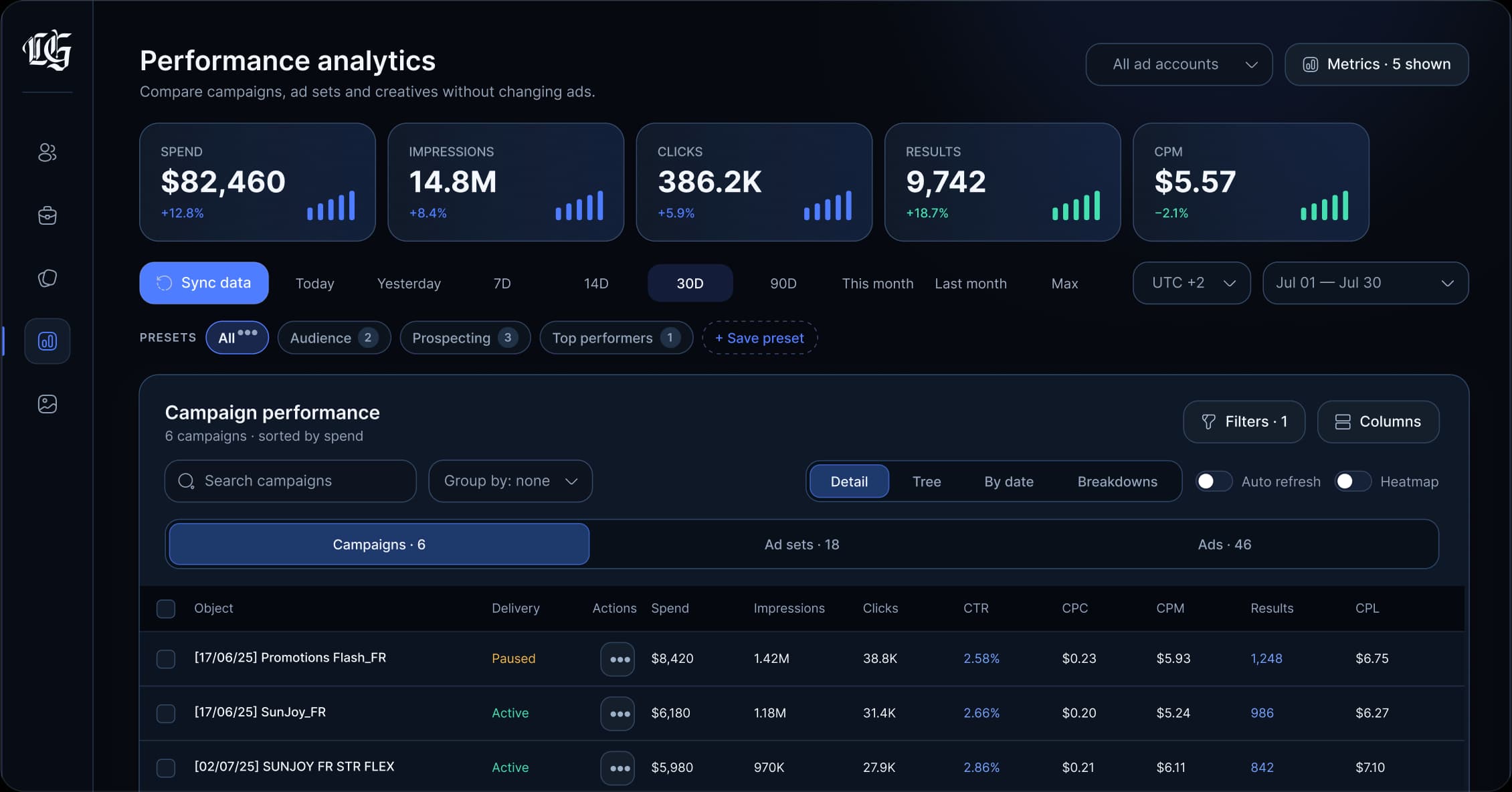
Creatives, placements, and devices in one view
- Read-only
- Analytics only, no ad changes
- 90-day retention
- Standard-plan history
- Meta API
- Official OAuth and permissions
- Secure storage
- Encrypted tokens and media
Creative performance
Winning creative is visible immediately
Compare creatives by ad account, Page, GEO, placement, and device. Media is stored separately and available for preview only.
Performance signal
A clear reason to scale the winner.
Ads Clover compares every creative against the same account context, then surfaces the strongest result for your team.
- Read-only across all connected ad accounts
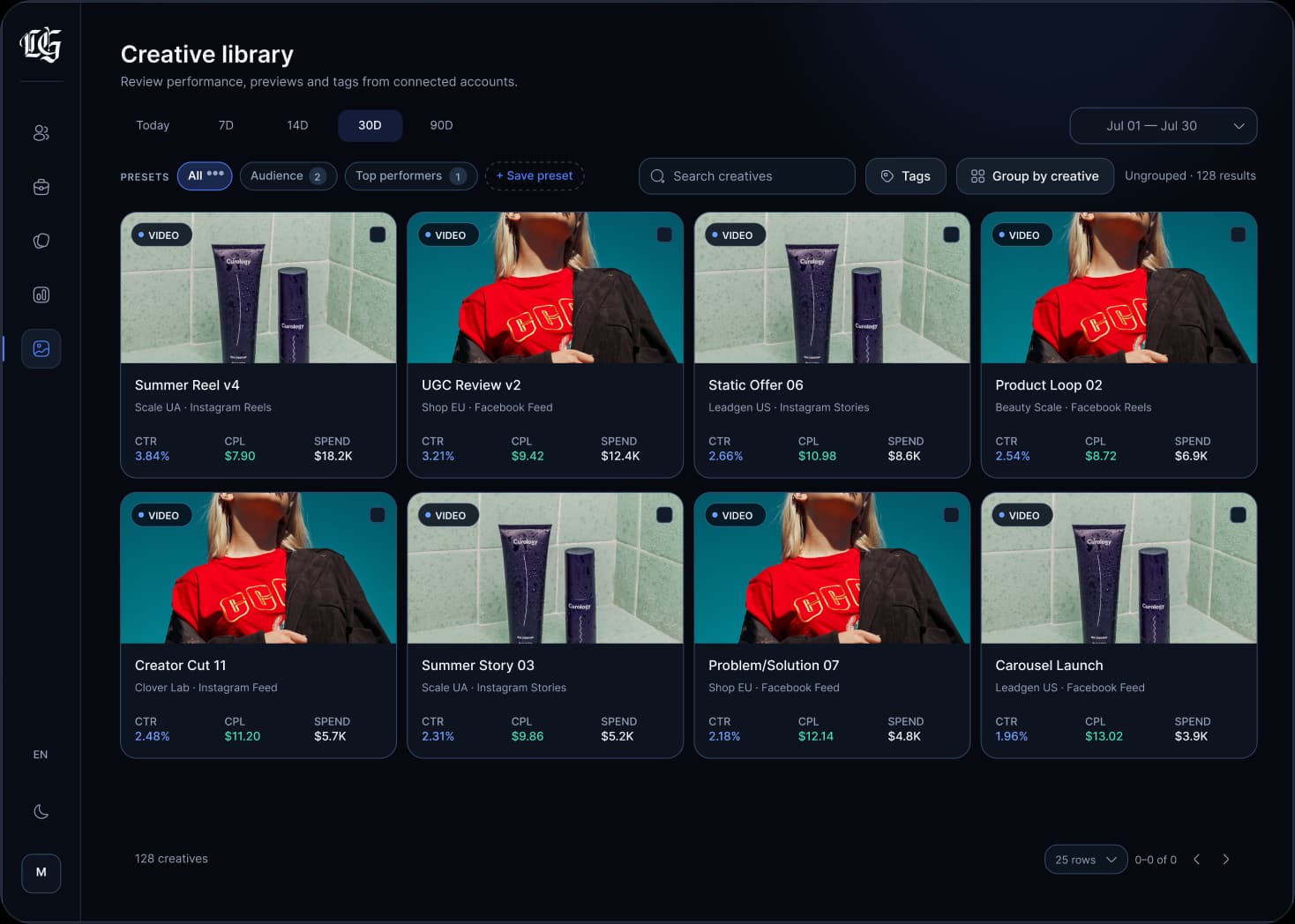
90 days of analytics history · Export and report without granting write access to campaigns.
For whom
One analytics layer for teams built around creatives and paid traffic.
Clear views for different operating models — without giving the platform permission to manage ads.
- 01
Affiliate teams
Find winning creatives, weak funnels, and the best GEO, placement, and device cuts quickly.
- Signal
- Winner found
- Breakdowns
- GEO · DEVICE
- 02
Media holdings & agencies
Review multiple ad accounts in one interface and prepare team-ready reports.
- Workspace
- 3 accounts
- Output
- Team report
- 03
E-commerce
Compare products, Pages, landing pages, devices, and results without manual spreadsheets.
- Compare
- Products & Pages
- Result
- Best CPL
Features
A complete toolkit for analyzing Meta creatives
Built to compare performance, preserve media context, and prepare reports — never to change ads.
Creative analytics
Compare thumbnails, previews, CTR, CPC, CPL, CPM, spend, clicks, and leads for each creative.
CTR · CPC · CPL · CPM
Placements & devices
Breakdowns by publisher platform, platform position, impression, device, GEO, and Pages.
GEO · Device · Page
Ad accounts & Pages
Visibility into ad accounts, Business Managers, Pages, token status, and sync status.
2 accounts · 3 pages
Read-only media storage
Creatives are saved in secure storage for preview and audit without editing capabilities.
Preview only
Up to 90 days of history
Analytics data for connected ad accounts is retained up to 90 days on standard plans.
Standard · 90 days
Exports & reports
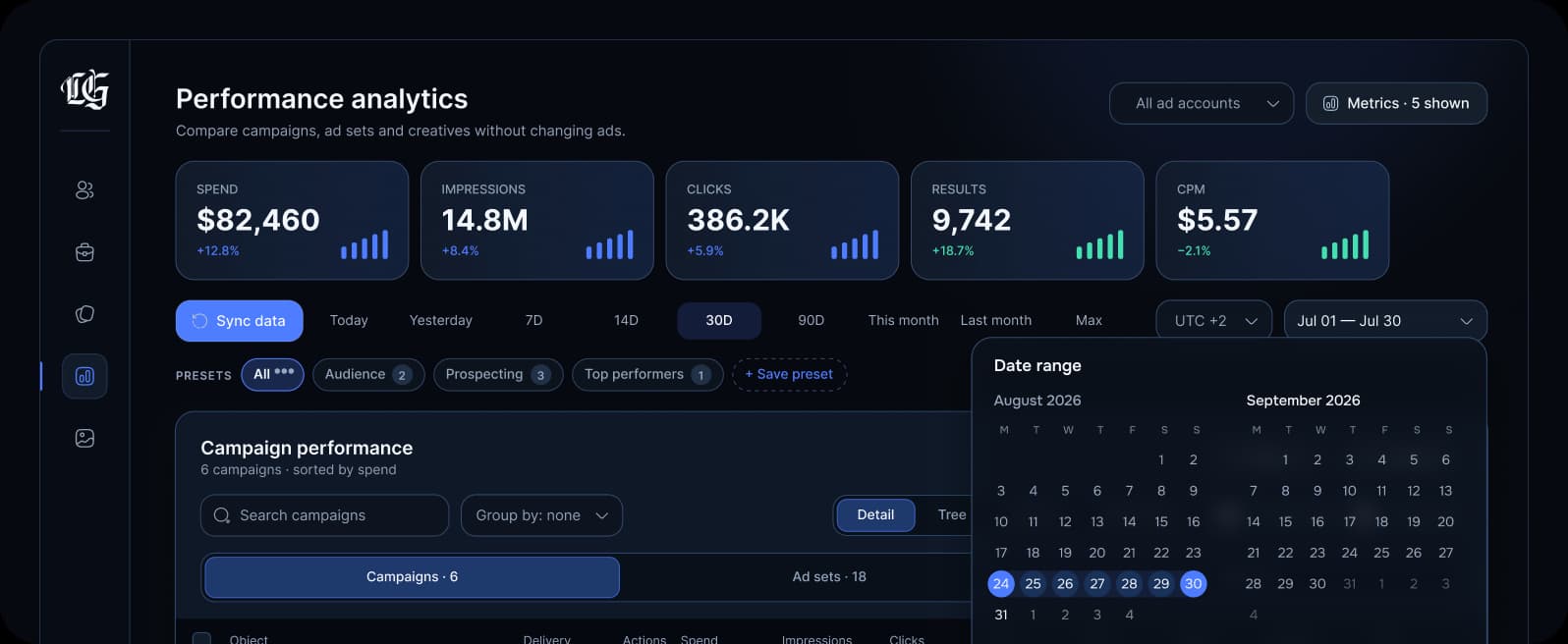
CSV, table exports, and dashboards for team analysis and period comparison.
CSV · Table · Reports
06 · Exports & reports
Prepare the exact view your team needs.
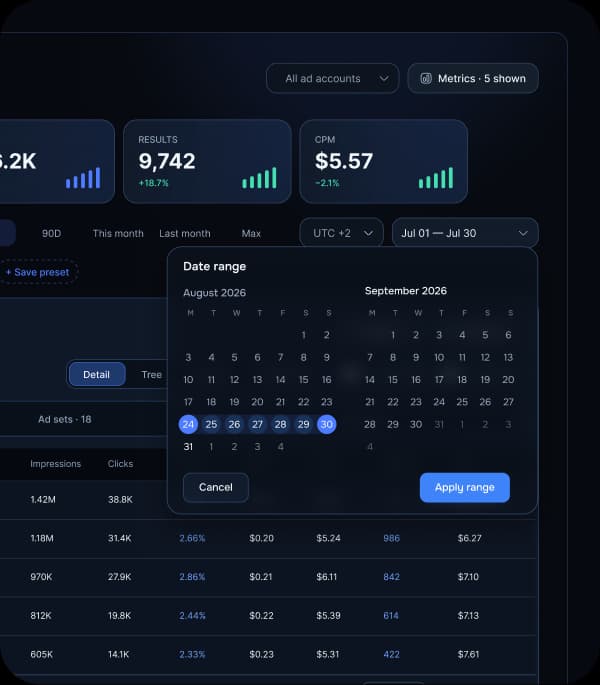
Build a clean period report from the same read-only analytics source, select the metrics, and export it for the team.
- CSV and table exports
- Reusable team dashboards
- Period comparison
How it works
From Meta connection to useful answers in three steps
Setup does not grant the service permission to manage ads.
- 01
Authorize once
Connect the official Meta API through OAuth. Ads Clover receives only the scopes needed to read performance and media.
- Official OAuth
- No campaign editing access
- 02
Choose your scope
Pick the ad accounts and Pages your team wants to analyze. The source structure and sync state stay visible.
- Read-only scopes
- Accounts remain under your control
- 03
Act on the signal
Compare creatives, placements and devices, then export the view your team needs for the next decision.
- Encrypted token
- Read-only insight, team-ready output
Read-only and secure
Read the signal. Never control the campaign.
Ads Clover requests only analytics and media-preview access. Budgets, ads, audiences, and delivery stay in Meta.
Available to Ads Clover
Analytics and preview data
- Creative and campaign performance
- Placement, device, GEO and Page cuts
- Media previews and sync state
Stays under your control
Campaign actions in Meta
- Budgets, bids or delivery
- Ads, audiences or account settings
- Campaign status or creative content
- Required scopes only
- Encrypted token storage
- Disconnect and delete anytime
Simple pricing
Start free, then expand as your team grows
Limits grow with your team and connected ad account count.
Beta access includes Pro Trial · one month automatically after registration
Free
$0/mo
A basic plan for learning the product and checking initial creative analytics.
Start freeWhat's included
- 1 ad account
- 7 days of history
- Limited creative count
- Manual sync
- Most popular
Pro
$49/mo
The core plan for teams that analyze Meta creatives regularly.
Start registrationWhat's included
- Up to 5 ad accounts
- 90 days of history
- Full creative dashboard and breakdowns
- Exports and secure media preview
Enterprise
Custom
A custom solution for media holdings, agencies, and large e-commerce teams.
Contact salesWhat's included
- Expanded ad account limits
- Custom retention and storage
- Team roles and access audit
- Onboarding, support, and SLA
FAQ
Frequently asked questions
Quick answers about read-only mode, retention, and Meta.
Analytics and previews — never campaign control.
Still need details? Open the documentation for setup, permissions, and API notes.
Start registration01Does the service change my ads?
02How long is data stored?
03Is this an official Meta tool?
Ready to see the signal?
See which creatives actually drive results
Connect Meta in read-only mode and turn creative, placement, and device data into a clear team view.